
The landscape of personal crafting has been significantly reshaped by the advent of digital cutting machines. Among these, Cricut stands out as a prominent brand, offering a range of devices designed to empower individuals to move beyond traditional craft methods and embrace a more precise and versatile approach to creation. This article explores how Cricut machines can serve as tools to unlock and develop creative potential.
What is a Cricut Machine?
At its core, a Cricut machine is a smart cutting plotter. It connects to a computer or mobile device and, guided by specialized software, can precisely cut a vast array of materials. From paper and vinyl to fabric and wood, the cutting capabilities are extensive, offering a level of detail and accuracy often difficult to achieve with manual tools.
The Evolution of Crafting Tools
Historically, crafting involved scissors, knives, stencils, and freehand drawing. While these methods remain valid for certain projects, they inherently limit precision and repetition. The introduction of digital cutting machines like Cricut marks a significant evolution, automating intricate designs and allowing for exact replicas of projects. This shift democratizes complex crafting, making it accessible to a wider audience.
Core Functionality and Hardware
Cricut machines are characterized by their cutting head, which houses an interchangeable blade. Different blades are designed for varying material thicknesses and types. The machine then moves this cutting head precisely across the material placed on a carrier mat, following digital cut lines. The mechanics are robust, built for consistent performance. The physical design of these machines is generally compact and user-friendly, intended for home use.
The Software Ecosystem: Cricut Design Space
Central to the Cricut experience is its proprietary software, Cricut Design Space. This application serves as the bridge between your creative ideas and the machine’s cutting capabilities. It allows users to browse a library of ready-made designs, upload their own images and fonts, and manipulate them to create custom projects.
Navigating Cricut Design Space
Design Space offers a workspace where users can assemble, resize, and arrange elements. Text can be added and modified. Basic shapes are available for use. The software allows for layering elements to create depth and complexity in designs. It also provides tools for alignment and distribution of objects, contributing to a polished final product.
Importing and Uploading Designs
A key feature of Design Space is its ability to import various file formats, including SVG, JPG, and PNG. This means that if you have a design created in another graphics program, or if you find a design online, you can import it into Design Space and have the Cricut machine cut it. This opens up a world of design possibilities beyond what is offered within the software’s native library.
If you’re interested in exploring more about crafting materials that can be used with Cricut machines, you might find this article on air dry clay particularly useful. It discusses the safety and usability of air dry clay in various projects, which can complement your Cricut creations beautifully. You can read more about it here: Is Air Dry Clay Food Safe?.
The Versatility of Materials
One of the most compelling aspects of utilizing a Cricut machine is the sheer variety of materials it can handle. This versatility is a primary driver for its adoption by crafters, designers, and small business owners alike.
Working with Vinyl
Vinyl is arguably the most popular material for Cricut projects. It comes in many forms: adhesive vinyl for permanent or temporary decals, heat-transfer vinyl (HTV) for applying designs to fabric, and specialty vinyls like glitter, holographic, and metallic finishes.
Creating Custom Decals and Stickers
Adhesive vinyl can be cut into intricate shapes and text, then applied to surfaces like water bottles, laptops, car windows, and home décor items. The precision of the Cricut ensures clean edges and detailed lettering, elevating the appearance of these custom creations.
Personalizing Apparel and Textiles
Heat-transfer vinyl allows for personalized t-shirts, tote bags, hats, and more. By cutting HTV and then applying it to fabric with a heat press or iron, users can create professional-looking custom apparel. The ability to layer different colors of HTV further enhances design possibilities.
Paper Crafts and Cardstock Projects
Cricut machines excel at cutting paper and cardstock with precision, opening up avenues for intricate paper crafts.
Elaborate Card Making and Scrapbooking
The ability to cut detailed patterns, intricate borders, and precisely aligned text makes Cricut machines invaluable for card makers and scrapbookers. Designs that would be time-consuming or impossible to cut by hand can be rendered perfectly. This allows for a higher level of detail and complexity in handmade cards and memory books.
Creating 3D Paper Structures
From intricate boxes and geometric shapes to complex paper flowers and architectural models, Cricut machines can cut precise components that can then be assembled into three-dimensional objects. The accuracy of the cuts ensures that pieces fit together seamlessly.
Beyond Paper and Vinyl: Exploring Other Mediums
The capabilities extend significantly beyond these common materials.
Working with Fabric
With the appropriate blade and settings, Cricut machines can cut a range of fabrics for sewing projects, quilting, and appliqué. This significantly speeds up the preparation process for garment making or decorative textile items. Intricate fabric shapes for appliqué can be precisely cut, eliminating the need for tedious hand-cutting.
Cutting Wood and Leather
Certain Cricut models, particularly the Maker series, are equipped to cut thicker materials like balsa wood and leather. This allows for the creation of more robust projects such as custom keychains, jewelry, small decorative items, and even components for larger woodworking projects. The fine detail the machine can achieve is remarkable for these tougher materials.
Project Ideas to Spark Your Imagination
The true value of a Cricut machine lies in its potential to bring a wide range of creative ideas to fruition. Moving beyond simple cuts, the machine enables the creation of personalized items and even functional objects.
Home Décor Enhancements
Transforming living spaces with custom touches is a straightforward application of Cricut technology.
Wall Art and Decals
Creating custom wall decals from adhesive vinyl can personalize any room. From motivational quotes to intricate patterns, the possibilities are extensive. The precision allows for clean lines and sharp edges that mimic professionally applied wall art.
Personalized Serving Trays and Coasters
Applying vinyl designs to wooden or ceramic surfaces can create unique and functional home accessories. This allows for custom branding or thematic decoration that matches a specific aesthetic.
Personalized Gifts and Occasion Celebrations
Cricut machines are ideal for crafting thoughtful, personalized gifts and decorations for special events.
Custom Mugs and Drinkware
Using permanent adhesive vinyl or infusible ink on compatible mugs allows for durable, personalized drinkware. This is an excellent option for gifting or for creating branded merchandise.
Elaborate Party Decorations
Banners, cake toppers, custom invitations, and even confetti can be precisely cut, adding a unique and professional touch to parties and celebrations. The ability to mass-produce identical elements is a significant advantage for event planning.
Crafting for Small Businesses and Entrepreneurs
For those looking to monetize their creativity, Cricut machines offer a path to producing a range of items for sale.
Creating Handmade Products
The ability to produce consistent, high-quality items such as custom t-shirts, personalized stationery, and unique accessories makes Cricut machines a valuable tool for small business owners. This allows for rapid prototyping and production runs.
Prototyping and Sample Creation
For designers and small manufacturers, Cricut machines can be used to quickly create prototypes of various items, allowing for testing and refinement before committing to larger production runs. This iterative process can save time and resources.
Learning Curve and Skill Development
While the technology behind Cricut machines is sophisticated, the learning curve is designed to be manageable, allowing users to progressively develop their skills.
Getting Started with Basic Projects
The initial steps typically involve familiarizing oneself with Design Space. Beginners often start with simple projects like cutting shapes, text, or pre-designed cartridges. This hands-on experience builds confidence and understanding of the machine’s operation.
Understanding Material Settings
Each material requires specific cutting pressure, speed, and blade depth. Design Space provides default settings, but users learn to adjust these based on material thickness and desired cut quality. Experimentation is key to mastering these settings.
Advancing to More Complex Designs
As users gain proficiency, they can tackle more intricate designs and techniques.
Layering Techniques
Combining multiple colors and types of vinyl or paper requires planning and precise execution. Learning to layer effectively is crucial for creating multi-dimensional and visually appealing projects.
Mastering Advanced Design Features
Design Space offers features like contouring, welding, and slicing, which allow for the manipulation of designs to create unique shapes and effects. Understanding and utilizing these tools expands the creative possibilities significantly.
Community Resources and Support
The Cricut community is a significant asset for users.
Online Tutorials and Forums
Numerous websites, blogs, and YouTube channels offer tutorials for various projects and techniques. Online forums and social media groups provide a platform for users to ask questions, share their work, and receive advice and inspiration from others.
Official Cricut Resources
Cricut itself provides official tutorials, help articles, and customer support to assist users in their creative journey. This official guidance is invaluable for troubleshooting and understanding the full capabilities of the machines.
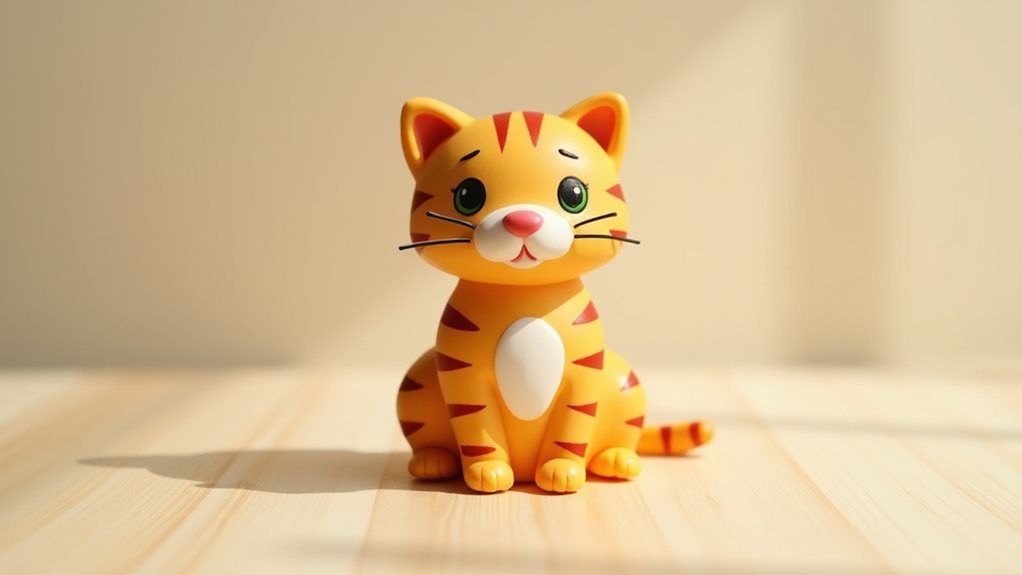
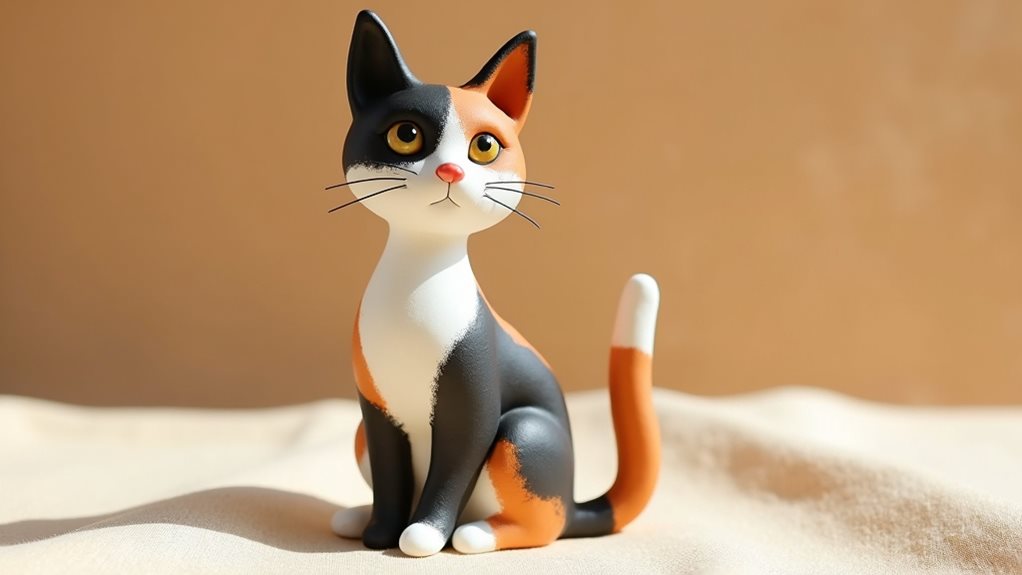
If you’re looking to expand your crafting skills beyond Cricut machines, you might find inspiration in this article about creating charming air-dry clay projects. The tutorial on how to make an adorable sitting cat can complement your Cricut creations beautifully, allowing you to add a personal touch to your crafts. To explore this delightful project, check out the details in the article here.
The Creative Journey: Beyond the Machine
The Cricut machine is a tool; the creativity ultimately resides with the user. Its purpose is to facilitate and enhance that creative impulse, not to replace it.
Developing Your Personal Style
With practice and exploration, users begin to develop a distinctive personal style. This might manifest in a preference for certain color palettes, design aesthetics, or project types. The machine empowers users to express this unique vision.
Embracing Experimentation and Innovation
The affordability and accessibility of materials for cutting machines encourage experimentation. Users are more likely to try new techniques and design ideas when the cost of failure is relatively low. This iterative process often leads to innovative applications.
The Satisfaction of Creation
There is an inherent satisfaction in taking a digital design and seeing it transformed into a tangible object. This process, facilitated by the precision and versatility of a Cricut machine, offers a rewarding creative outlet. The ability to create something unique and personalized, whether for oneself or as a gift, contributes to a sense of accomplishment. The journey of creation, from concept to completion, provides a valuable and engaging experience.